
Getting started at HighRoller is designed to be quick, easy, and secure. Whether you’re a seasoned player or new to online casinos, creating your account takes just a few minutes. This guide provides a step-by-step process to register, verify your account, and manage your preferences effortlessly.
By creating your account, you’ll also gain access to exclusive bonuses, promotions, and a wide range of secure payment options, including crypto, e-wallets, and cards. Plus, once you’re registered, managing your preferences, deposits, and withdrawals becomes seamless with just a few clicks.
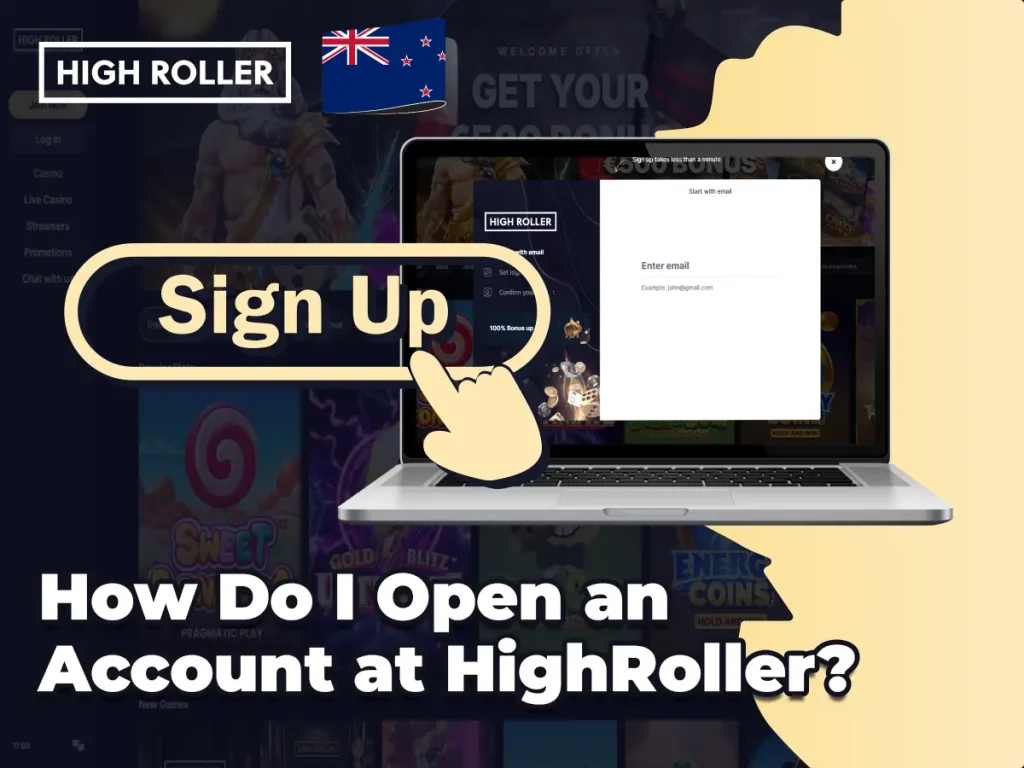
How Do I Open an Account at HighRoller?
The Highroller ensures a user-friendly registration that takes just a few minutes while prioritizing your privacy and security, here’s how you can get started:
- Click “Join Now!” located in the navigation menu on the left side of the website.
- Fill out the registration form with your personal details:
- Full Name
- Valid Email Address
- Phone Number
- Date of Birth
- Set your unique username and password.
- Agree to the Terms & Conditions and confirm you’re of legal age.
- Submit the form—your account is ready!
Tip: Use an active phone number and email as they are required for verification and future communication.
WELCOME OFFER – Get Your $500 Bonus + 200 Free Spins
Kickstart your gaming experience at HighRoller with an exclusive welcome offer designed to boost your gameplay:
- Up to $500 Bonus
- +200 Free Spins
How to Claim:
- Register your account
- Make your first deposit
- Automatically claim your bonus and spins!
Terms & Conditions apply. Check the promotions page for full details.

Account Verification Issues: What If I Don’t Receive the SMS Code?
Verification via SMS is an essential security step. If you don’t receive the code: Click “Resend Code” on the registration page.
- If that fails, restart the registration process from the beginning.
- Still no luck? Contact HighRoller Support through Live Chat or email for immediate help.
Why Can’t I Open a HighRoller Account?
Common reasons include:
- Incomplete registration fields
- Phone number already used
- Duplicate account detection
Solution: Double-check all information or try the “Forgot Password?” option under “Log In” if you suspect you already have an account.
How to Manage Marketing Emails and SMS Notifications
Don’t want promotional content? Simply:
- Go to “My Account” (click the three lines in the bottom-left corner).
- Select “Preferences”.
- Adjust the sliders for Email and SMS to opt-out.
How to Close or Pause Your HighRoller Account
Need a break? HighRoller offers easy options:
- Time-Out: Temporarily close your account for 24 hours under the “Responsible Gaming” section.
- Permanent Closure: Contact support via [email protected] or Live Chat to request full account closure.
Forgot If You Have a HighRoller Account?
Follow these steps to check:
- Click “Log In”
- Select “Forgot your password?” and enter your email/phone number
- Alternatively, contact support for quick verification
What If Live Chat Is Unavailable?
Live Chat operates 8:00 AM to 1:00 AM CET. If you need help outside these hours, send an email to: 📧 [email protected]
A team member will respond promptly.
Final Thoughts
Registering at HighRoller is smooth, secure, and designed for your convenience. From easy sign-up to full control over notifications and account status, every feature empowers players to enjoy responsibly—plus, don’t miss out on that $500 Bonus and 200 Free Spins waiting for you!